How do I cancel my WPBlazer subscription?
If you want to cancel your subscription before the service period is over, please send us a message. We'll be glad to help.
Here's how you can send us a message.
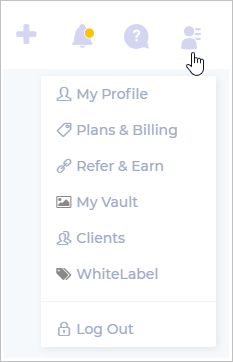
On the WPBlazer dashboard, hover the mouse pointer on the Account icon and then click Plans & Billing on the drop-down menu.
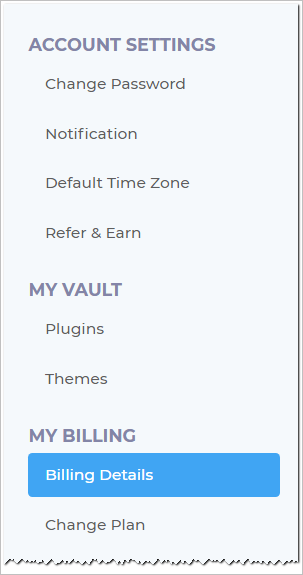
Click Billing Details.
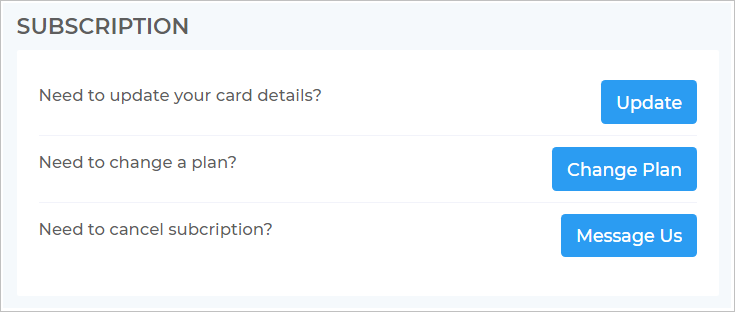
On the Billing page, scroll down to the SUBSCRIPTION heading and then click the Message Us button.
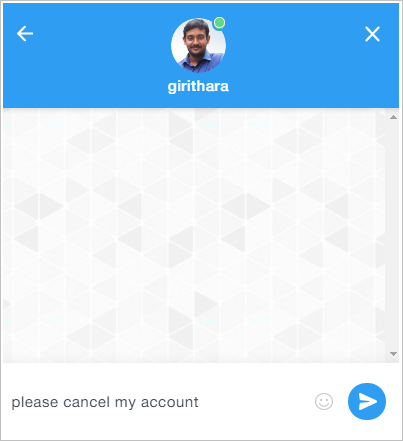
A chat box opens with the message, "please cancel my account."
Click the send button. We'll get back to you as soon as possible.