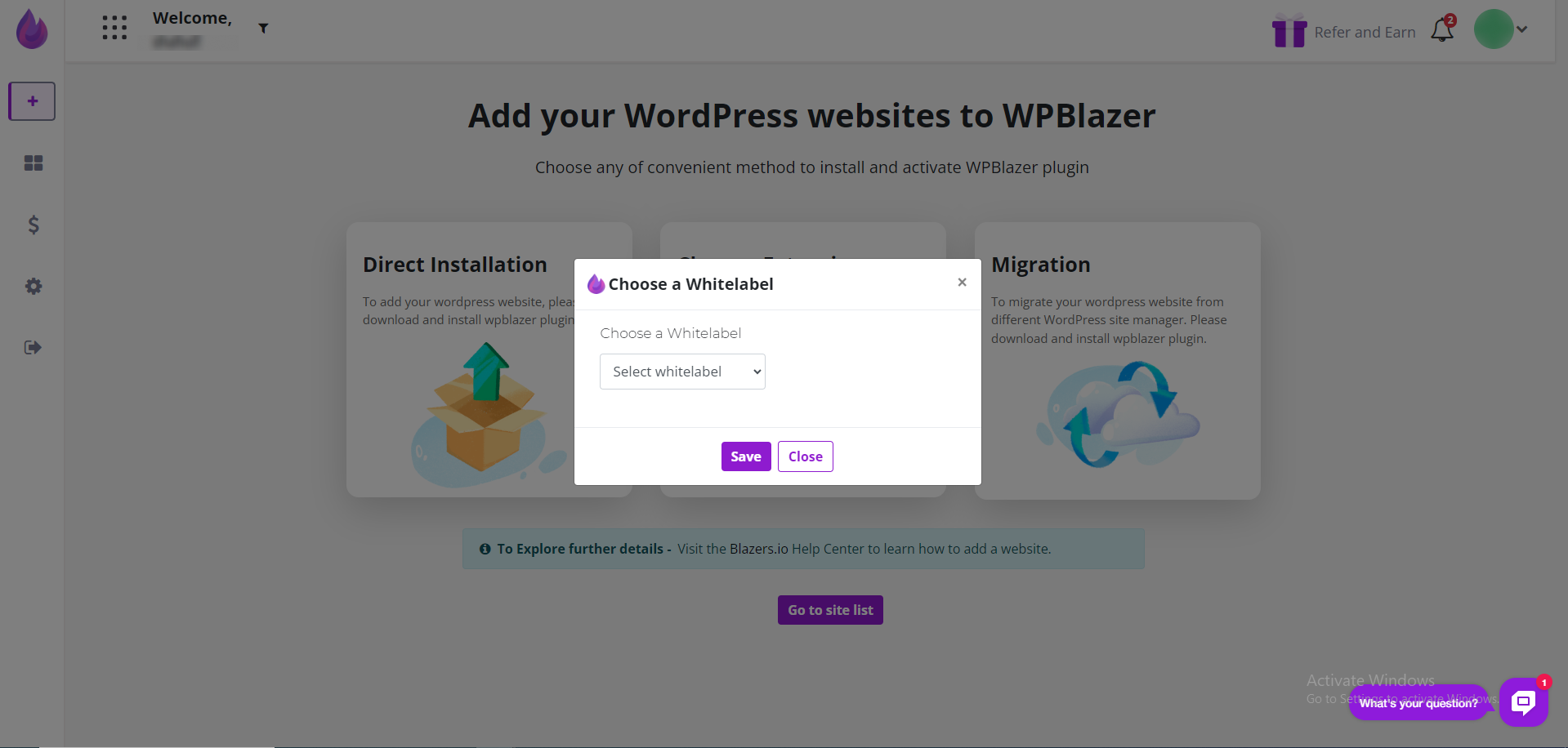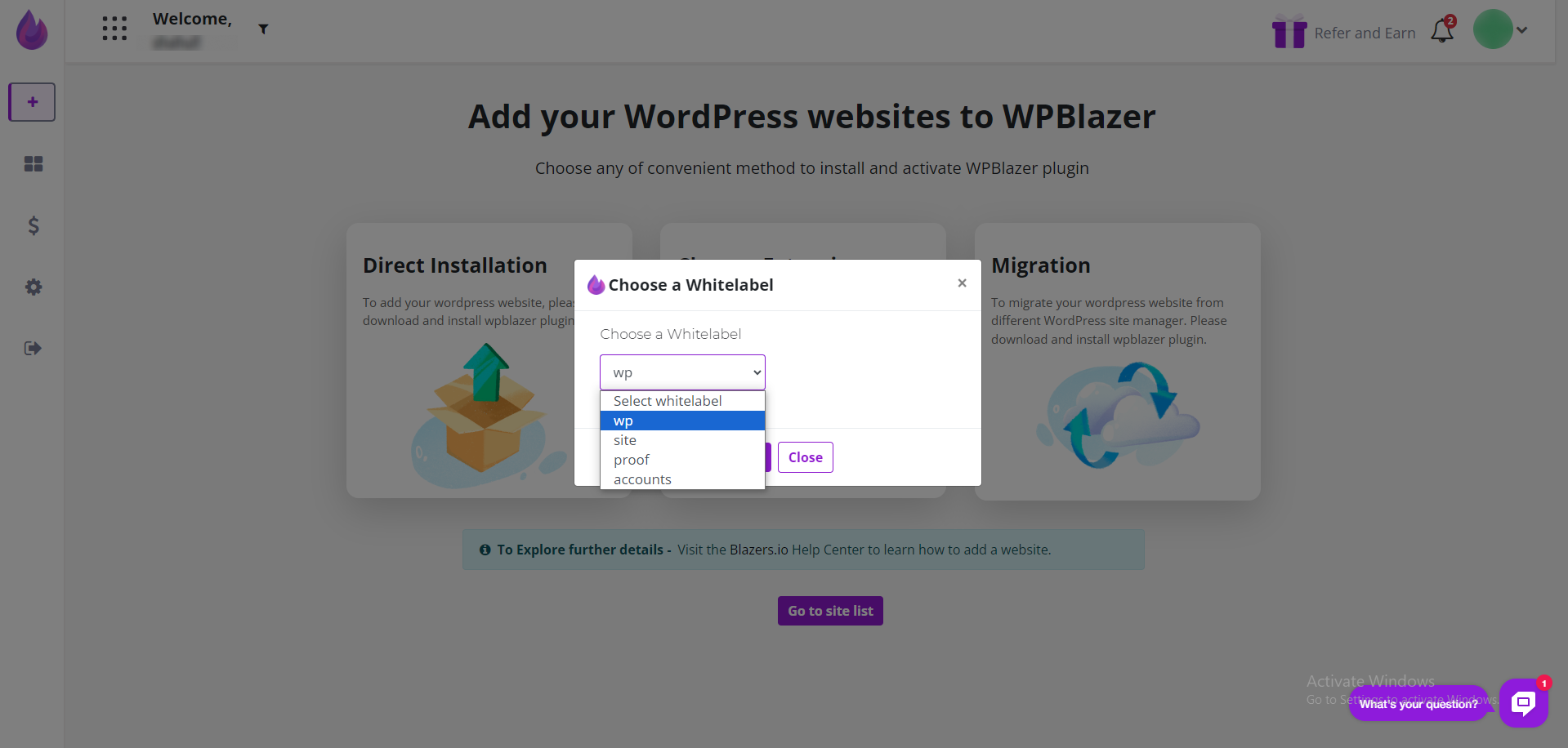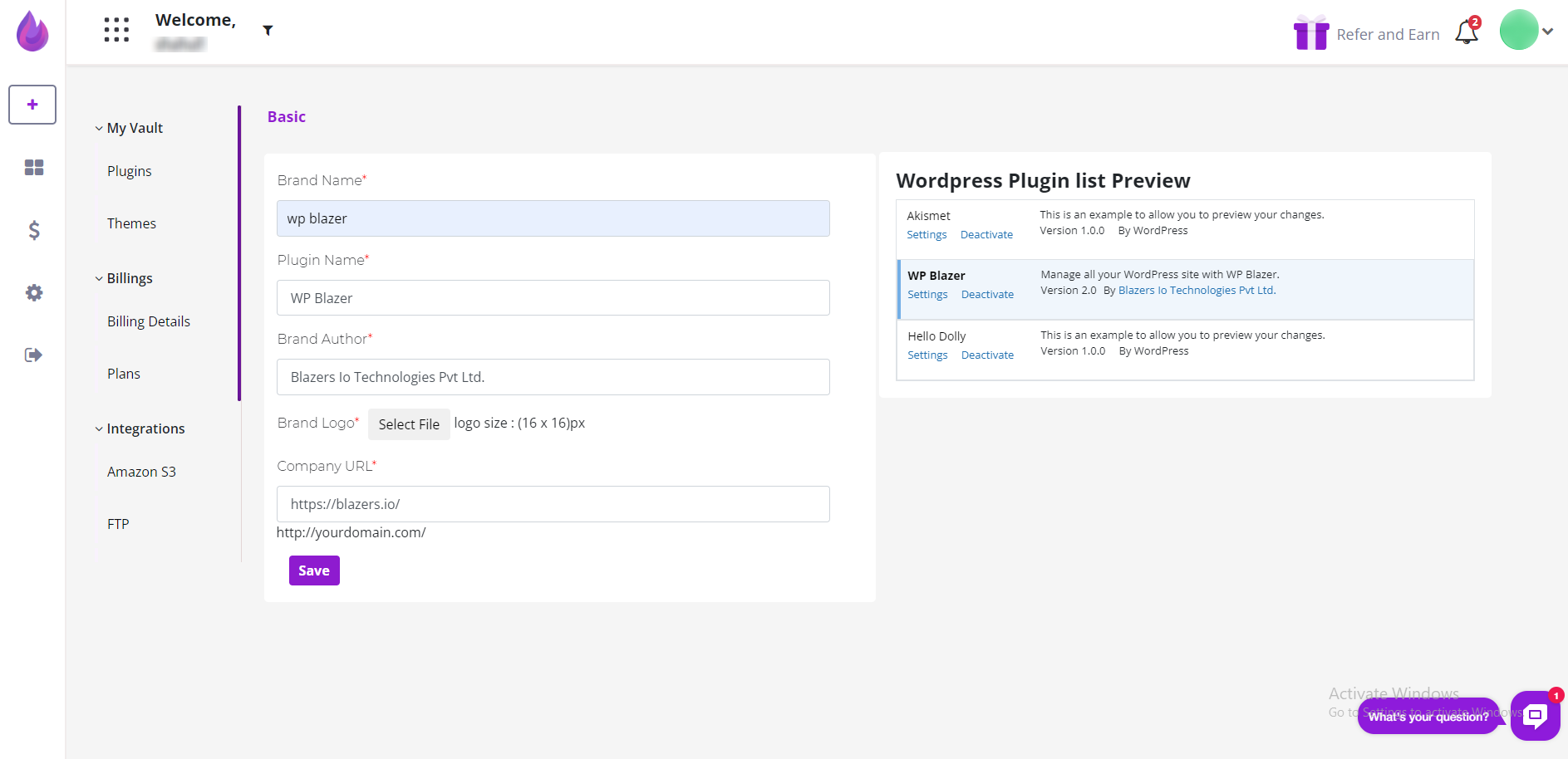
This article shows you how to white label the WPBlazer plugin. White labeling (sometimes called private labeling ) occurs when an agency replaces our logo and product name with its brand. It's a common business practice.
Opening the white label page
In the top menu, click the website name near the blaze icon to open the site dashboard. Locate the site that needs a white label plugin and then check the box.
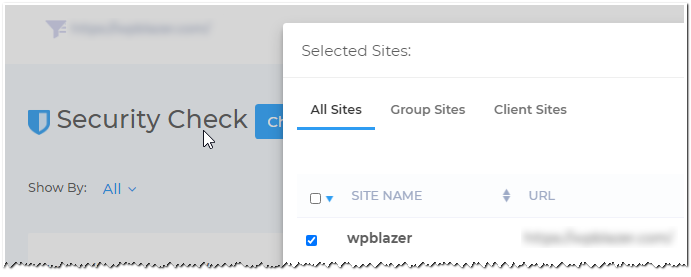
Click the Manage button and then the X in the top right corner to close the dashboard.

On the WPBlazer dashboard, hover the mouse pointer on the Account icon and then click Branding on the drop-down menu.
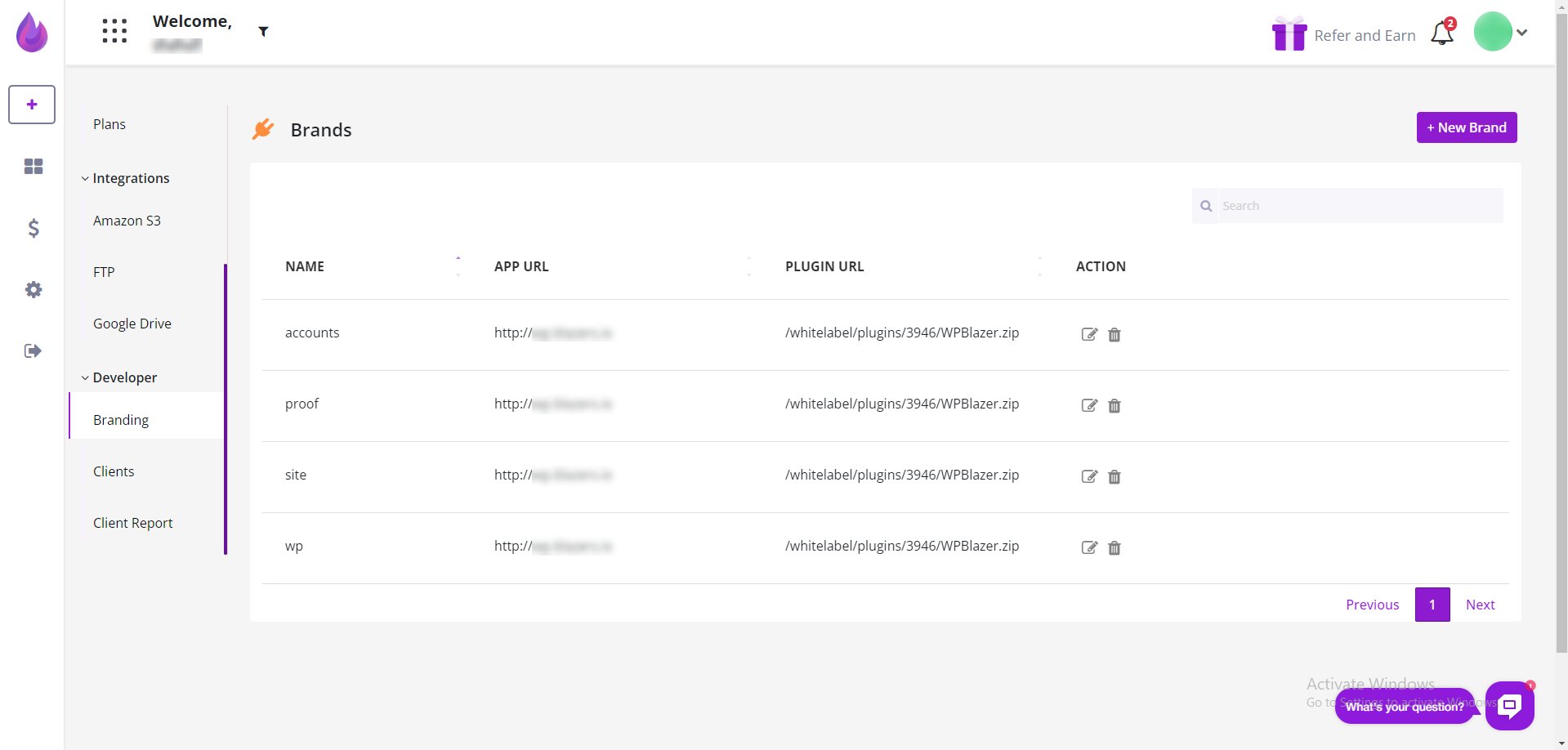
Creating a white label
On the White Label Branding page, fill in the fields. Click Submit to save.